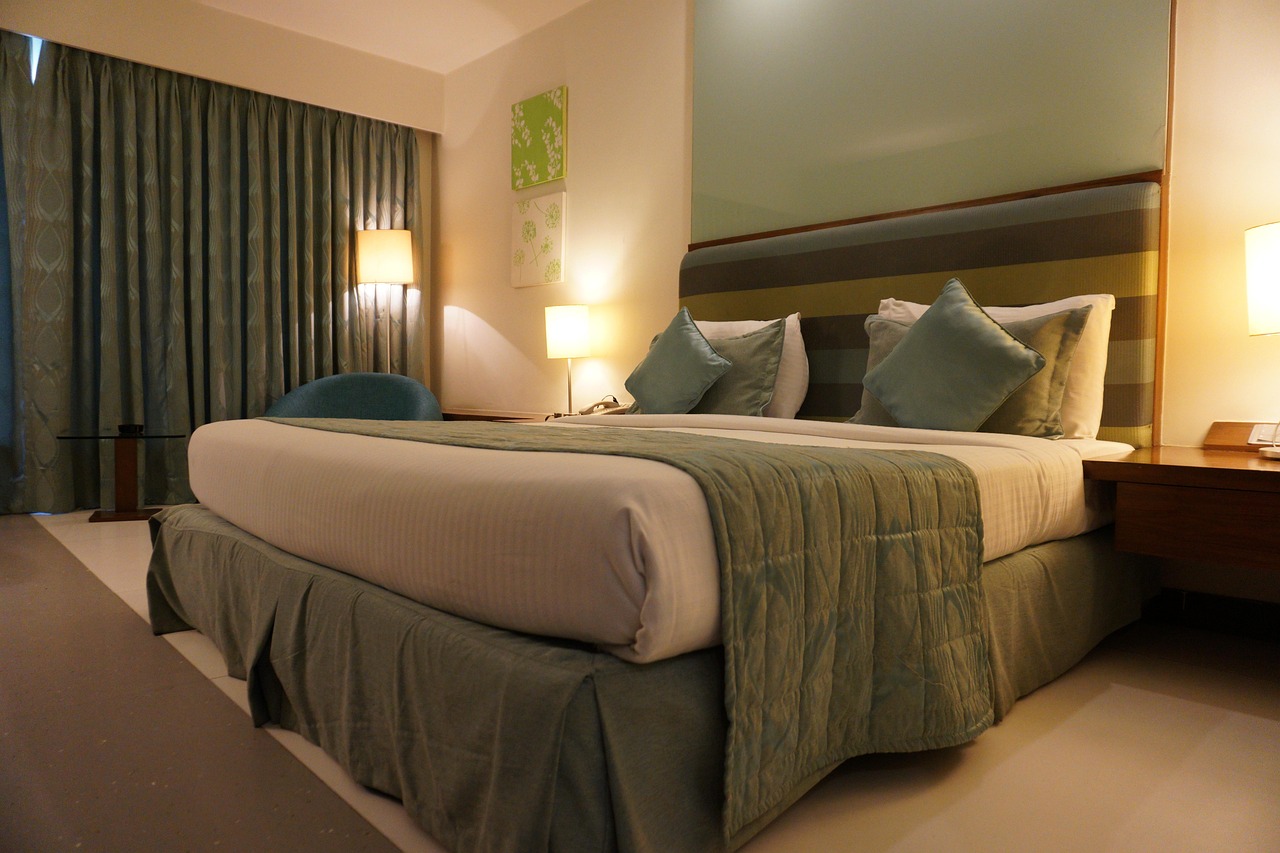
Choosing a hotel close to business hubs and transportation makes attending easier and less stressful. The room itself should feel comfortable, with good ventilation, soundproofing, and adjustable lighting for presentations. Seating needs to be ergonomic and spacious enough for everyone to move freely. Technology plays a big role: reliable Wi-Fi, modern audiovisual gear like projectors or video conferencing tools, plus plenty of outlets help keep things running smoothly. Offering snacks and flexible catering options keeps the energy up without interruptions. Clear communication between staff and organizers along with backup tech plans ensures the meeting won’t face avoidable problems or delays.
Choosing a Hotel Location for Easy Access and Convenience
Selecting a hotel near a central business district is key to cutting down travel time for your attendees, helping everyone arrive on schedule and ready to focus. If participants are flying in, proximity to major airports can make a big difference, especially when combined with shuttle services or easy public transportation options. Accessibility is important for all attendees, so consider hotels with clear signage and easy-to-find entrances to the meeting rooms, reducing confusion and stress. For those driving, ample and convenient parking is a must, while nearby restaurants and cafes offer valuable spaces for informal discussions or breaks. It’s also wise to check local traffic patterns during your meeting times to avoid unexpected delays. Safety matters too; choosing a hotel in a secure neighborhood gives attendees peace of mind, which contributes to a productive atmosphere. Finally, a hotel layout that supports direct routes from the lobby to meeting spaces saves time and prevents navigation issues, making the overall experience smoother and more professional.
Creating Comfort with Lighting, Seating, and Ambiance
To create a comfortable and productive business meeting environment in a hotel room, start with adjustable lighting controls. These allow you to tailor brightness to presentation needs and attendee comfort, reducing eye strain and improving focus. Blackout curtains or shades are essential to control natural light and cut down on screen glare, especially during multimedia presentations. Seating should be ergonomic, offering support for long hours without discomfort, while the arrangement must allow ample personal space and easy movement to encourage interaction and reduce fatigue. Soundproofing plays a crucial role in limiting distractions from hallways or adjacent rooms, helping maintain concentration. Maintaining a consistent, comfortable temperature through proper HVAC systems keeps attendees alert and comfortable. Soft ambient lighting can be used during breaks to create a welcoming and relaxed atmosphere. Adding neutral, calming colors in the room’s décor supports focus without being distracting, while subtle touches like plants or artwork enhance the environment without overwhelming it. Finally, placing accessible water stations and refreshment areas nearby ensures attendees stay hydrated and energized throughout the meeting.
Designing Flexible Meeting Room Layouts
To set up a hotel room for business meeting success, offering multiple seating arrangements is essential. Options like U-shape, boardroom, theater, and classroom layouts allow the space to suit various meeting formats, from presentations to group discussions. Furniture should be easy to move and reconfigure, enabling quick changes as the meeting progresses. Ample space between seats helps attendees move comfortably and interact without feeling cramped. Including portable whiteboards and flipcharts placed where everyone can see encourages collaboration and note-taking. Designating breakout areas for smaller group work or informal chats within or next to the main room adds valuable flexibility. Clear signage or digital wayfinding should guide participants smoothly to the meeting area. Accessibility is key: layouts must accommodate wheelchair users and provide easy access throughout. Tables equipped with built-in power outlets support the use of laptops and other devices without clutter. Considering the room’s shape and size helps avoid overcrowding and ensures good sightlines for all attendees. Finally, built-in storage for materials and supplies keeps the space organized, reducing distractions and maintaining a professional atmosphere.
Equipping Rooms with Reliable Technology and A/V Tools
Reliable, high-speed Wi-Fi is essential for business meetings, especially when multiple devices need to connect simultaneously. Guests expect seamless internet access without interruptions, so hotels should invest in strong network infrastructure. Large screens or bright projectors are vital for clear presentations, ensuring visuals are easy to see from anywhere in the room. Video conferencing equipment must include quality cameras, microphones, and speakers to support remote attendees, making hybrid meetings run smoothly. Conference phones that allow multiple speakers to participate help bridge communication between in-person and virtual participants. Ample power outlets and charging stations should be placed conveniently at tables to keep devices powered throughout the meeting. Cable management systems not only reduce tripping hazards but also keep the space organized and professional-looking. Standardizing technology setups across rooms helps users quickly understand equipment, reducing delays caused by unfamiliar tools. Providing simple connection options compatible with laptops, tablets, and smartphones without needing special adapters streamlines the setup process. To boost collaboration, consider interactive touchscreens or digital whiteboards that allow real-time note-taking and idea sharing. Finally, having technical support available during meetings to address any issues promptly ensures minimal disruptions and a more productive experience for all involved.
Providing Business Support Services and Amenities
To ensure a smooth and efficient meeting experience, hotels should offer 24/7 business centers equipped with essential tools like printers, scanners, and copiers, accessible to all attendees. Having technical support staff on hand to assist with equipment setup and troubleshoot issues can prevent delays and frustration. Flexible meeting packages that bundle space rental with catering, parking, and other conveniences simplify planning and reduce logistical stress. Early check-in and late check-out options accommodate tight or unpredictable schedules, allowing attendees to focus on the meeting without worrying about timing conflicts. Secure storage solutions for business materials and valuables provide peace of mind, while concierge services help manage transportation, dining reservations, or special requests, enhancing overall convenience. On-site secretarial or administrative assistance can be invaluable for last-minute document prep or message handling, keeping the meeting flow uninterrupted. Meeting rooms should have adequate lighting and ample power outlets to support laptops and other devices, ensuring attendees stay connected and productive. Offering customized branding or signage within meeting spaces allows companies to maintain a professional image, and providing high-quality stationery and office supplies like pens, notepads, and markers caters to practical needs during discussions and note-taking. Together, these services and amenities create an environment that supports professionalism, efficiency, and comfort throughout the business meeting.
Offering Catering Options for Sustained Energy
Providing a range of catering options is key to keeping meeting attendees energized and focused throughout the day. Offering flexible meal plans that include healthy choices like fresh salads, seasonal fruits, and low-sugar beverages helps maintain concentration without the afternoon slump. Scheduling catering around meeting timelines—such as breakfast, lunch, coffee breaks, and light snacks—ensures food is available when needed without interrupting the flow. Customizable menus that accommodate dietary restrictions, from gluten-free to vegan, make sure everyone’s needs are met. Grab-and-go items like finger sandwiches or snack bars are useful during short breaks to minimize disruption. Hydration stations with water, coffee, and tea placed conveniently in or near meeting rooms encourage attendees to stay refreshed without leaving the space. Partnering with local caterers can elevate the quality and freshness of offerings, enhancing the overall experience. Light finger foods that can be eaten quietly help maintain engagement during longer sessions. Coordinating service times with meeting organizers ensures meals and breaks fit smoothly into the agenda. Finally, keeping catering areas clean, organized, and spacious avoids overcrowding and maintains a professional environment. Using eco-friendly packaging and utensils also supports sustainability efforts, which is increasingly important for many businesses today.
Using Digital Tools to Manage Meetings Efficiently
Implementing meeting room scheduling software helps prevent double bookings and ensures the best use of available space. Digital displays placed outside rooms can show current schedules and meeting details, making it easy for attendees to find their sessions without delay. Moving toward paperless solutions for contracts, proposals, and signatures streamlines event planning and reduces waste. Event diagramming tools allow organizers to visualize and customize room layouts before setup, saving time and avoiding last-minute changes. Collecting data on room usage and attendee feedback provides valuable insights for improving future meetings. Providing mobile apps or online portals gives participants easy access to agendas, updates, and important information on the go. Digital check-in systems speed up registration, minimizing wait times and helping meetings start promptly. Collaboration platforms enable real-time document sharing and editing, enhancing participant engagement and productivity. Automated reminders and notifications keep everyone informed about schedule changes and upcoming sessions. Crucially, all digital tools should be user-friendly and supported by hotel staff to ensure smooth operation, preventing technical glitches from disrupting the meeting flow.
Customizing Room Setups for Different Meeting Needs
Tailoring the meeting room setup to fit the specific needs of each client or event plays a crucial role in business meeting success. Hotels should offer a range of seating styles and table arrangements—whether it’s U-shape for collaborative discussions, boardroom for executive meetings, or theater style for presentations—allowing clients to select what best suits their agenda. Technology setups must support hybrid meetings, with reliable video conferencing equipment that connects in-person and remote participants seamlessly. Whether a small team brainstorming session or a large conference, the space should be adaptable without sacrificing comfort or access to power outlets and A/V tools. Incorporating themed décor or designated breakout zones can create immersive experiences that keep attendees engaged and encourage participation. Branding options, such as displaying company logos or event themes on digital screens or room signage, add a professional touch and reinforce the meeting’s purpose. Flexible lighting and sound controls help set the right tone for different sessions, from formal presentations to relaxed networking breaks. For confidential meetings, rooms with sound isolation and privacy options ensure sensitive discussions remain secure. Importantly, last-minute changes or additions to seating or technology setups should be easily accommodated, reflecting the dynamic nature of business meetings and guaranteeing a smooth experience from start to finish.
Coordinating Communication Between Staff and Organizers
Effective communication between hotel staff and meeting organizers is essential for a successful business meeting. Start by establishing clear channels, often designating a single point of contact within the hotel to streamline all communications. This avoids confusion and ensures organizers have a reliable person to approach with questions or changes. Documenting every detail through Banquet Event Orders (BEOs) helps clarify responsibilities, timelines, and expectations, keeping everyone on the same page. Staff should be trained to anticipate common meeting needs, such as last-minute setup adjustments or special equipment requests, and respond proactively. Regular check-ins before and during the event help catch potential issues early, whether it’s coordinating room setup timing, catering deliveries, or technology checks. Utilizing digital platforms to share real-time updates ensures that all relevant staff members are informed instantly, reducing delays and miscommunication. Preparing contingency plans and communicating them clearly to both staff and organizers helps manage unexpected situations smoothly. Finally, encouraging feedback from organizers after meetings provides valuable insights that improve service quality and build stronger relationships for future events.
Planning Backup Solutions to Avoid Meeting Disruptions
To keep business meetings running smoothly, it's essential to have backup solutions ready. This starts with maintaining extra technology equipment like projectors, microphones, and cables in case the primary devices fail. Having alternative video conferencing platforms on hand helps tackle connectivity issues without losing time. Running test sessions before the meeting, especially for hybrid or virtual setups, can identify potential problems early. It's also wise to keep IT support staff available during meetings to quickly resolve technical glitches. For critical meetings, setting up redundant internet connections or network failovers ensures continuous access. Clear protocols should be in place so staff can switch to backup systems seamlessly, minimizing interruptions. Training staff to troubleshoot common issues and perform fast fixes helps maintain momentum. Power backup solutions like generators or UPS units need regular checks to guarantee they work when needed. Sharing these contingency plans with meeting organizers and attendees beforehand sets expectations and reduces stress. Finally, reviewing and updating backup procedures regularly keeps pace with changing technology and helps avoid surprises.
Resource IRL:
https://www.eroshotels.co.in/meetings-and-events/royal-ballroom